Accelerators
- Fleet size
- ~500 nodes · ~4,000 GPUs
- Node configuration
- 8 GPUs per node
- NVIDIA
- H100 · RTX 4090 · RTX 3080
- Per-tier availability
- Current split on request
- AMD / Ascend / Hygon / MThreads
- Supported via LLMFabric
Around 500 eight-GPU nodes spanning H100, RTX 4090 and RTX 3080 tiers, with the cluster software, monitoring and on-call practice already attached. You get capacity that works on day one, not a rack and a wiki page.
Three tiers, chosen by what the workload actually needs. Most teams overpay by putting a quantized 7B model on hardware built for 70B pre-training.
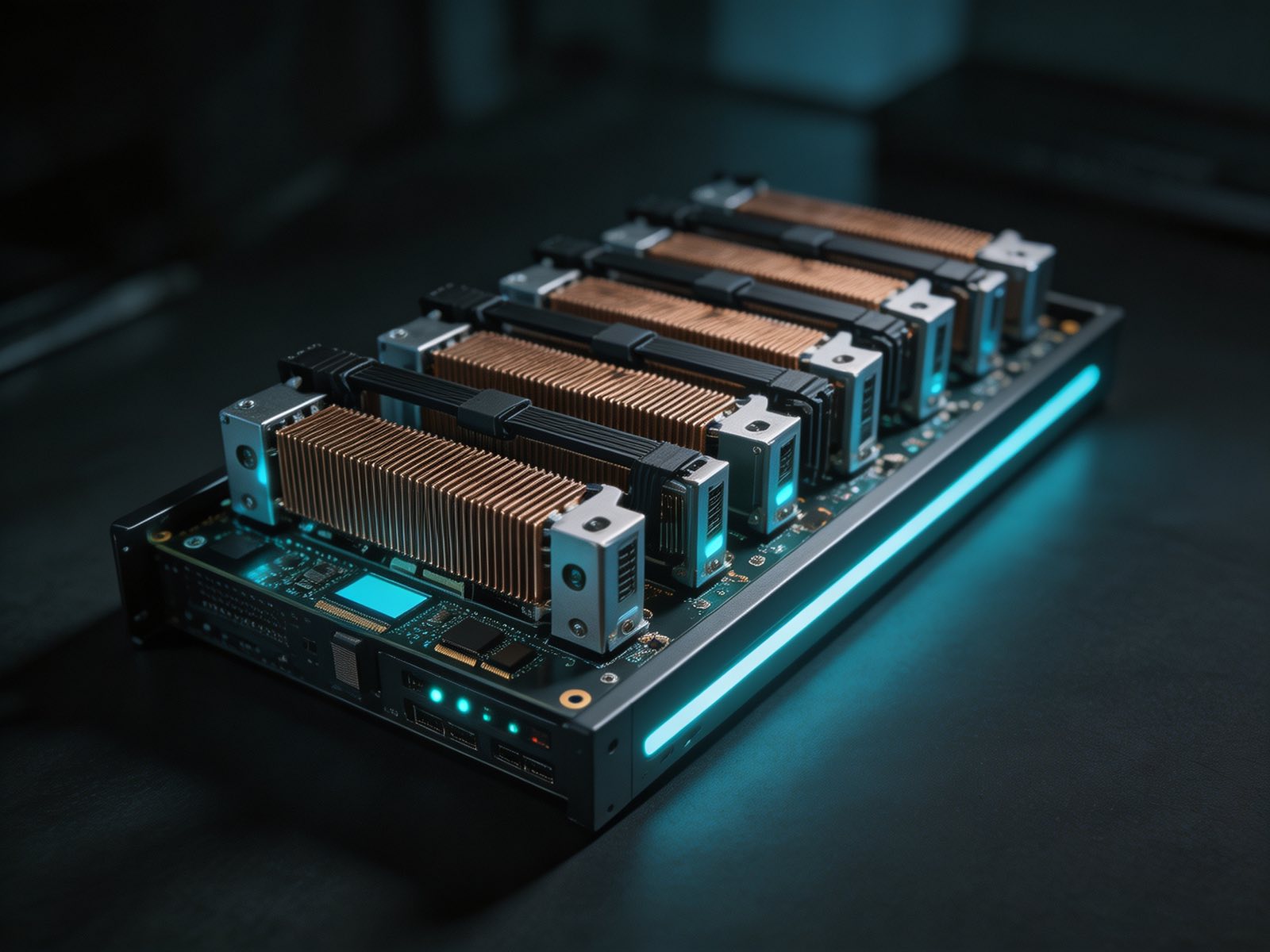
Flagship
The tier for work that will not fit anywhere else: pre-training and full-parameter fine-tuning of large models, and high-throughput serving of 70B-plus and mixture-of-experts architectures at long context.
Best for
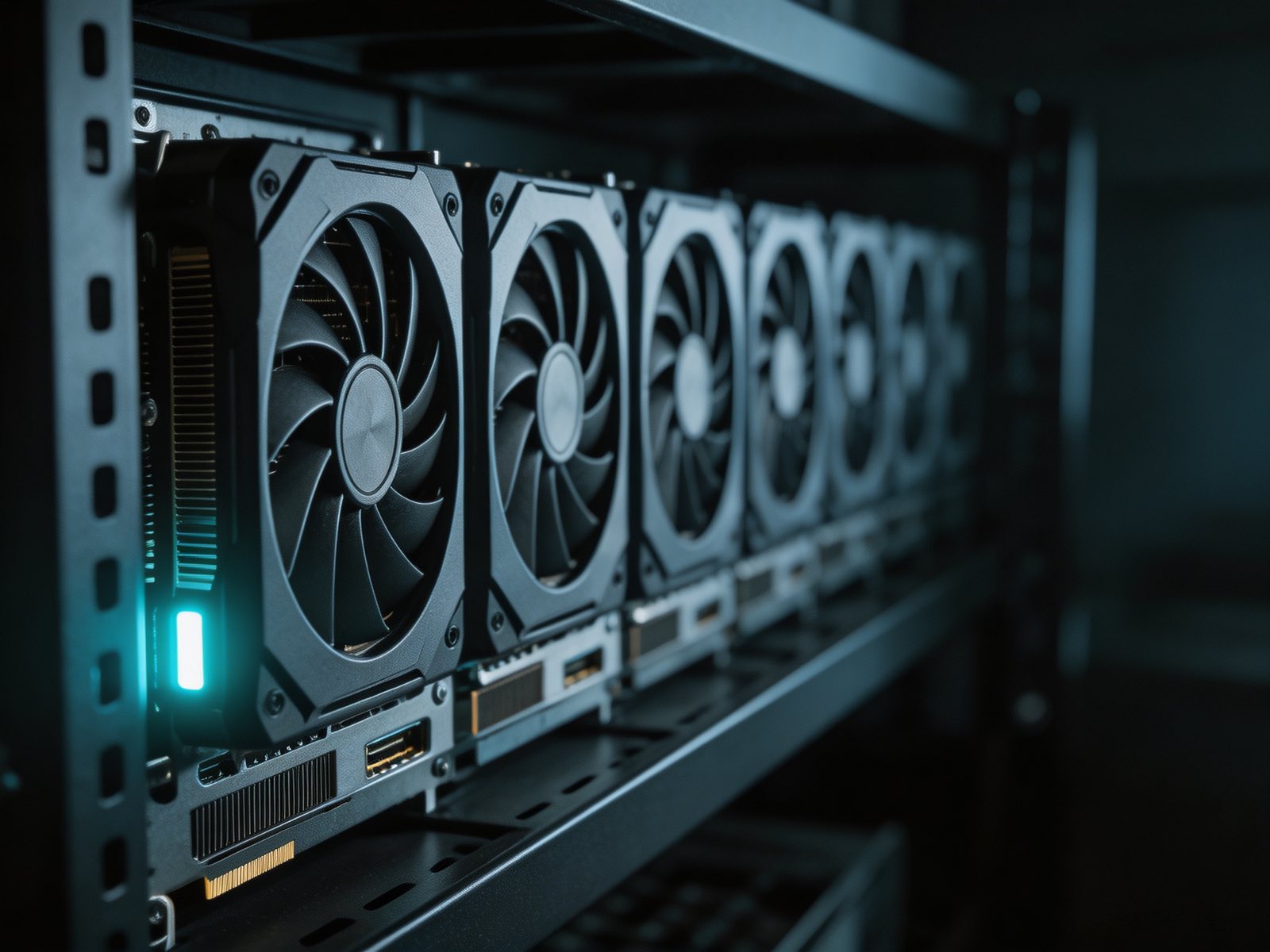
Throughput per dollar
The workhorse of the fleet. 192 GB of aggregate VRAM per node serves quantized large models and mid-size models at full precision, at a fraction of the cost per token of data center silicon.
Best for

Volume and batch
Cost-optimized capacity for workloads measured in volume rather than model size: embeddings, classification, batch generation, and the development and CI environments that should never sit on flagship hardware.
Best for
The right boundary depends on how much of the stack your team wants to own.
Full root access to the physical node. You control the kernel, driver stack and scheduler; we own the hardware, power, cooling and network underneath.
Best for
Training runs and teams with an existing platform stack
GPU-attached containers with the NVIDIA Container Toolkit configured, your image, our orchestration. Faster to start, fewer moving parts to maintain.
Best for
Inference services and iterative experimentation
A namespace on a cluster we operate, with device plugins, autoscaling and observability already wired. LLMFabric handles engine placement.
Best for
Production serving without a platform team
Regions, the current per-tier split and contractual availability targets are shared directly rather than published. Everything else is here.
No discovery call theatre. Send us the shape of the workload and we size it.
Model, expected concurrency, latency target and data residency constraints. That is enough for a first sizing.
We come back with an accelerator configuration, an engine recommendation and a number. If the workload is a bad fit for us, we say so.
A short paid pilot on the proposed configuration, measured against your own traffic, using the same methodology we publish in our open benchmarks.
Handover with dashboards, alerting and an escalation path. Capacity scales without a renegotiation for every node.
Transparency
Our Qwen3-235B-A22B-FP8 benchmark reports peak throughput alongside the concurrency level where success rate degraded, the rate-limit behaviour that broke standard client retries, and the run that crashed the upstream. Methodology and raw JSON are in the repository.
Read the benchmark